Skip to content
See it flow

Follow one pair through the shop.

From a customer’s phone to the pickup counter — every step of one real job.

01 · Intake

The order starts at the counter, or on their phone.

Staff can enter the order at the counter. Or, before they come in, the customer lists their gear and the service it needs on your shop’s own request page. Either way the work order lands in your queue, ready to confirm.
The order starts at the counter, or on their phone. — short clip
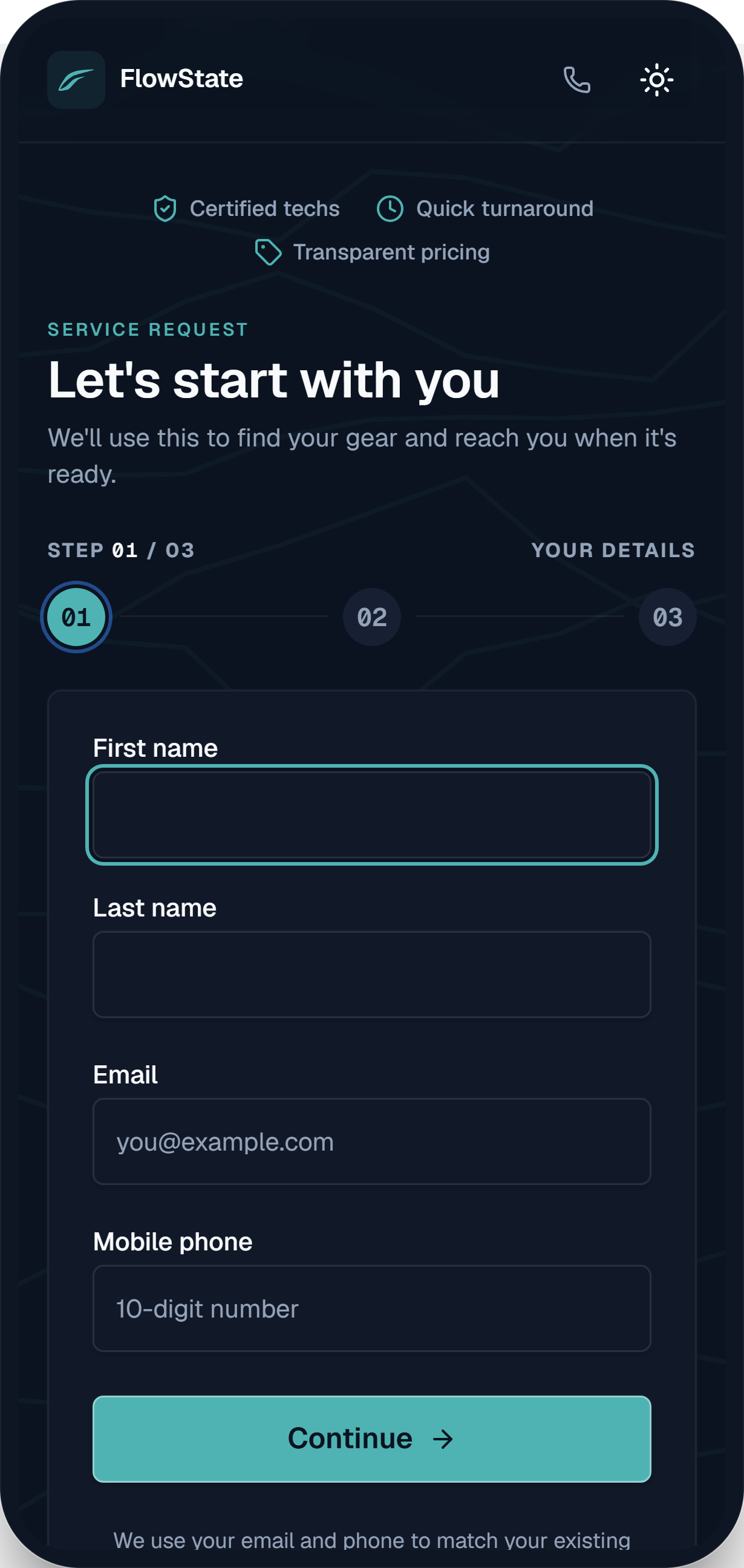
FlowState customer intake — the “Let’s start with you” contact step on a phone-sized form.
Name, email, phone — enough to match their gear and reach them when it’s ready.
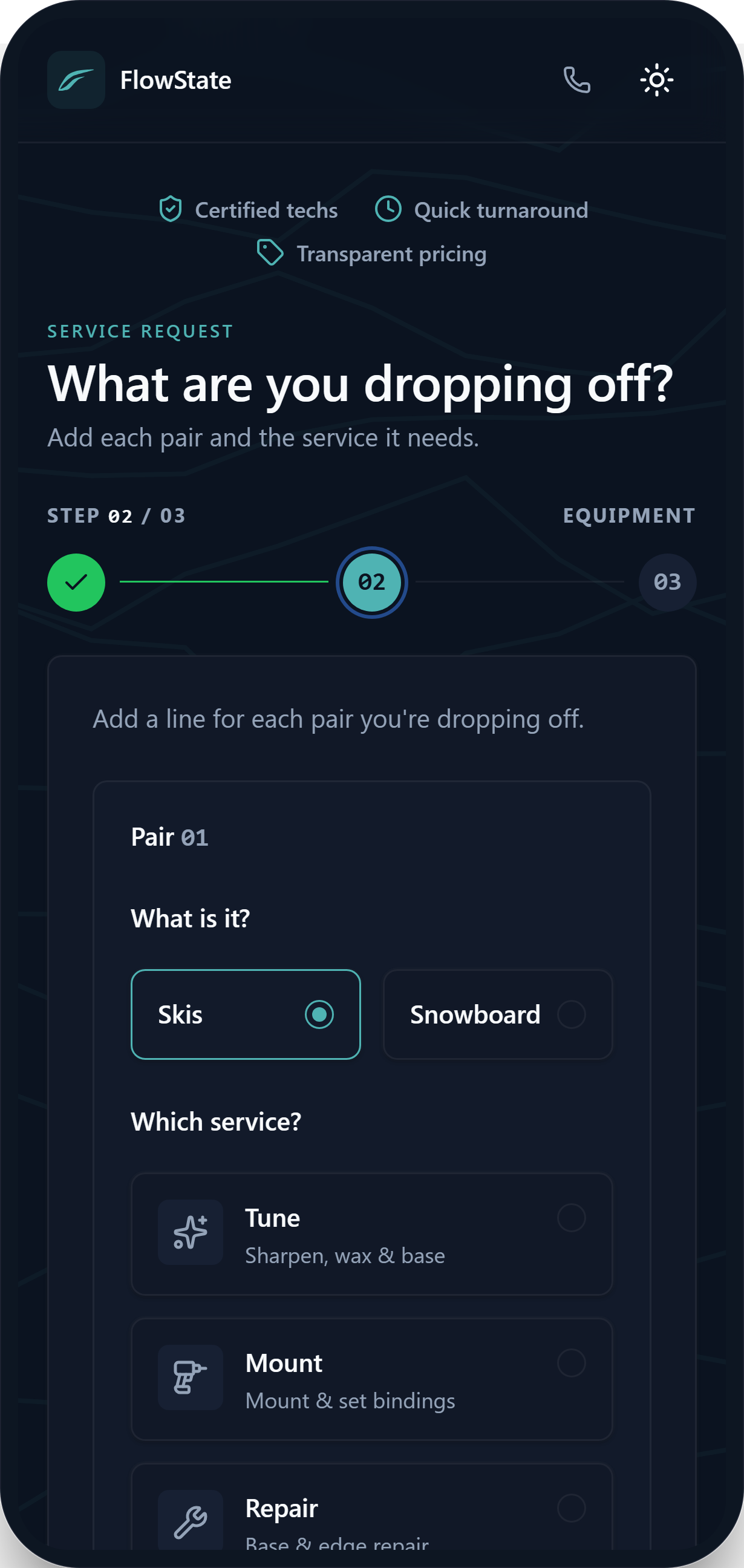
Intake equipment step — choosing skis and a tune, mount, or repair service with an estimated total.
Each pair, each service — tune, mount, or repair — with an upfront estimate.
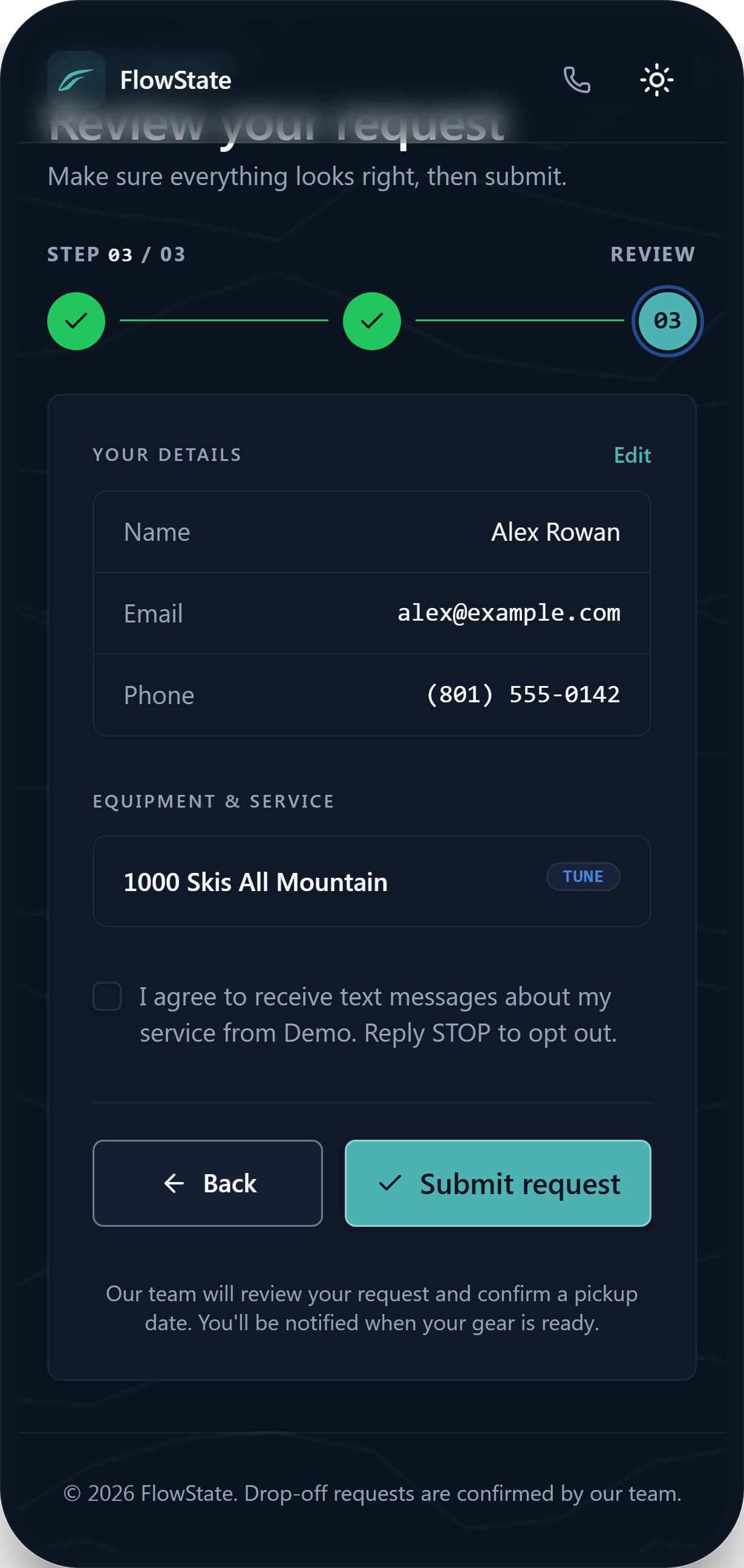
Intake review step — a summary of the customer’s details, equipment, and chosen service before submitting.
A quick review — every pair and service in one summary before they hit submit.
02 · Their side

They can watch it the whole way.

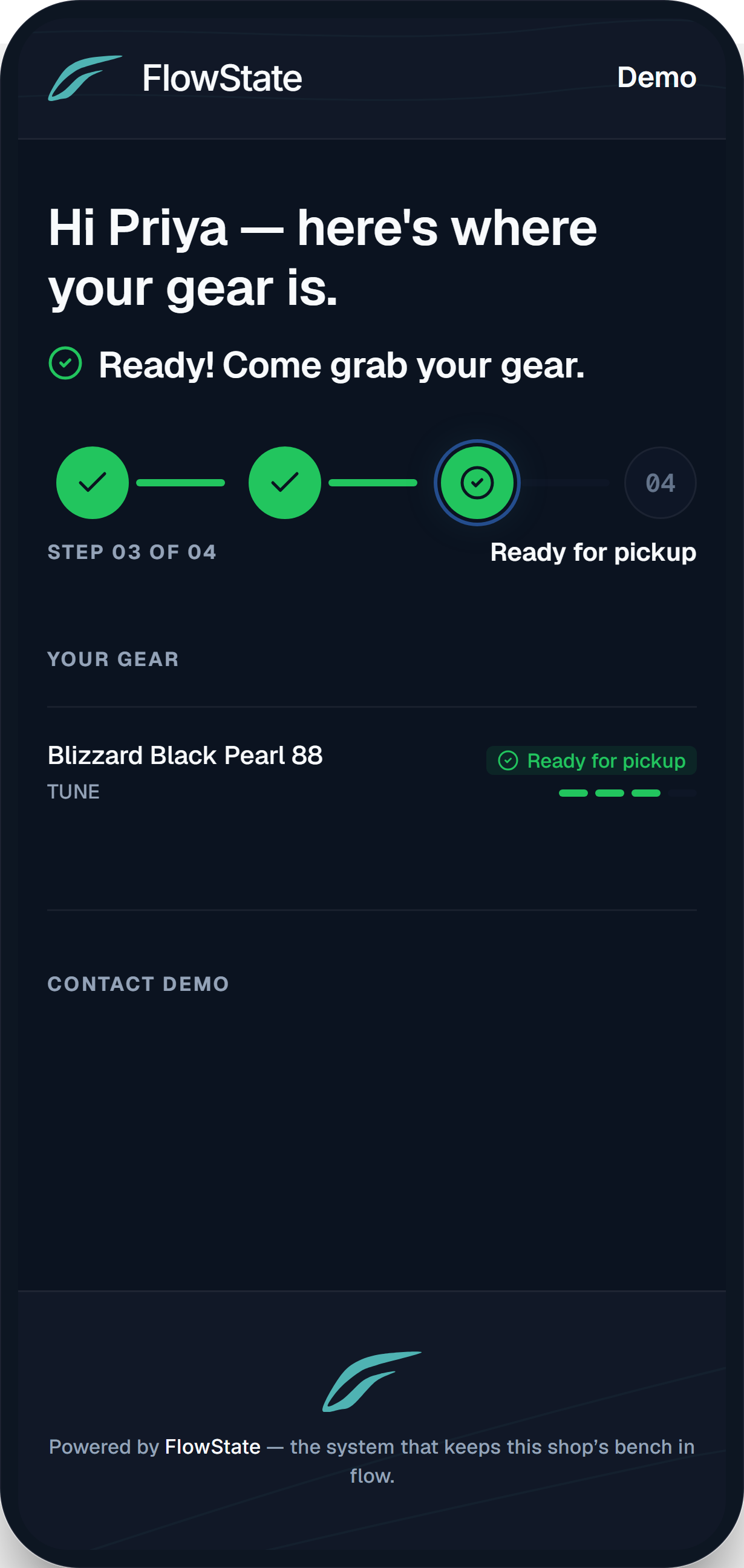
When the order is created, the customer gets an email with a private link to a status page, so they can check where their gear is, any time.
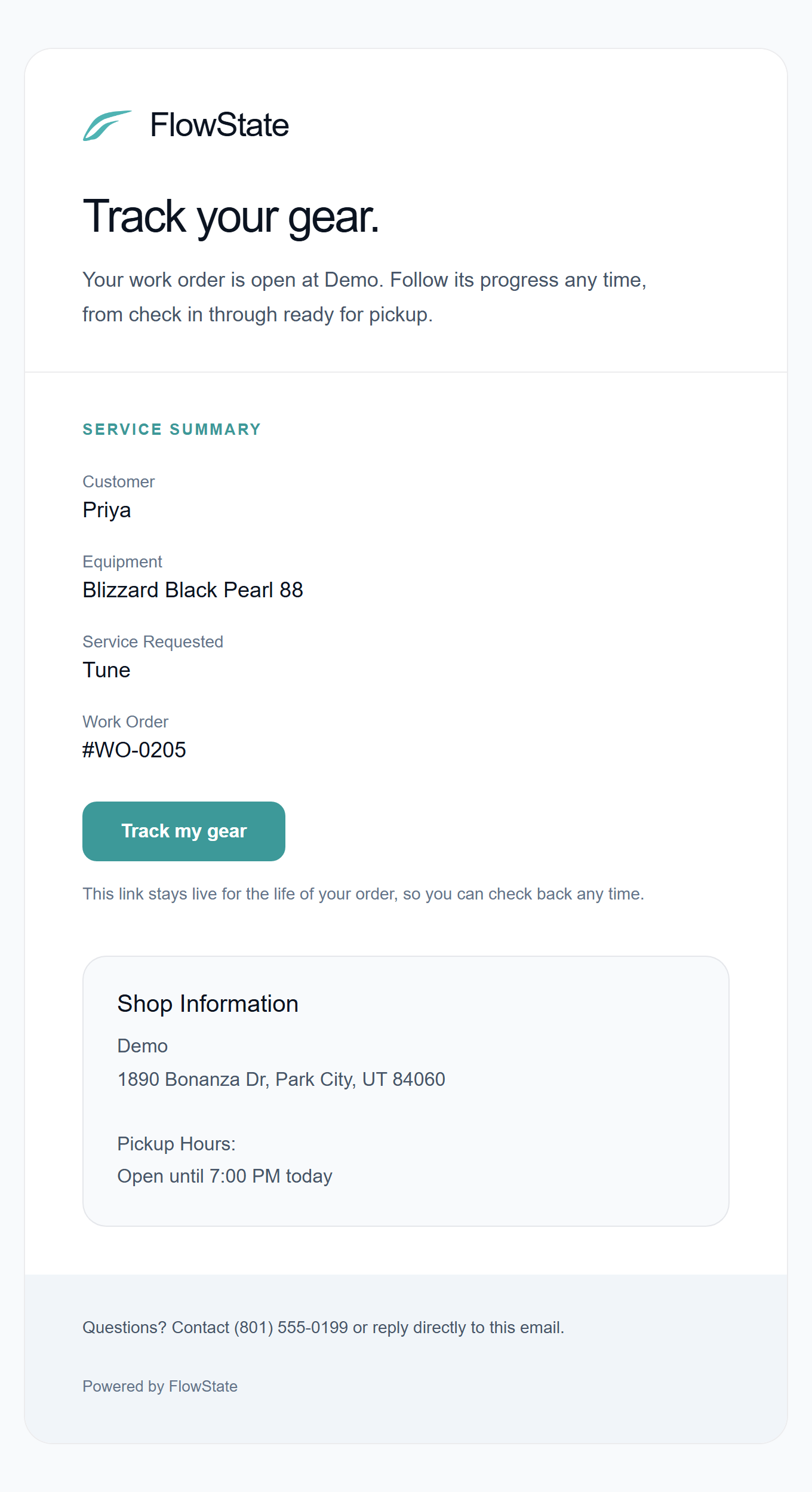
FlowState confirmation email — “Track your gear” with a service summary and a live tracking link.
A confirmation email lands the moment the order opens — with a tracking link that stays live for the life of the job.
FlowState customer tracking page on a phone — a four-stage progress tracker showing the order ready for pickup.
A live tracker they can open any time: checked in, on the bench, ready for pickup — no phone call needed.
03 · On the bench

Your shop runs the line.

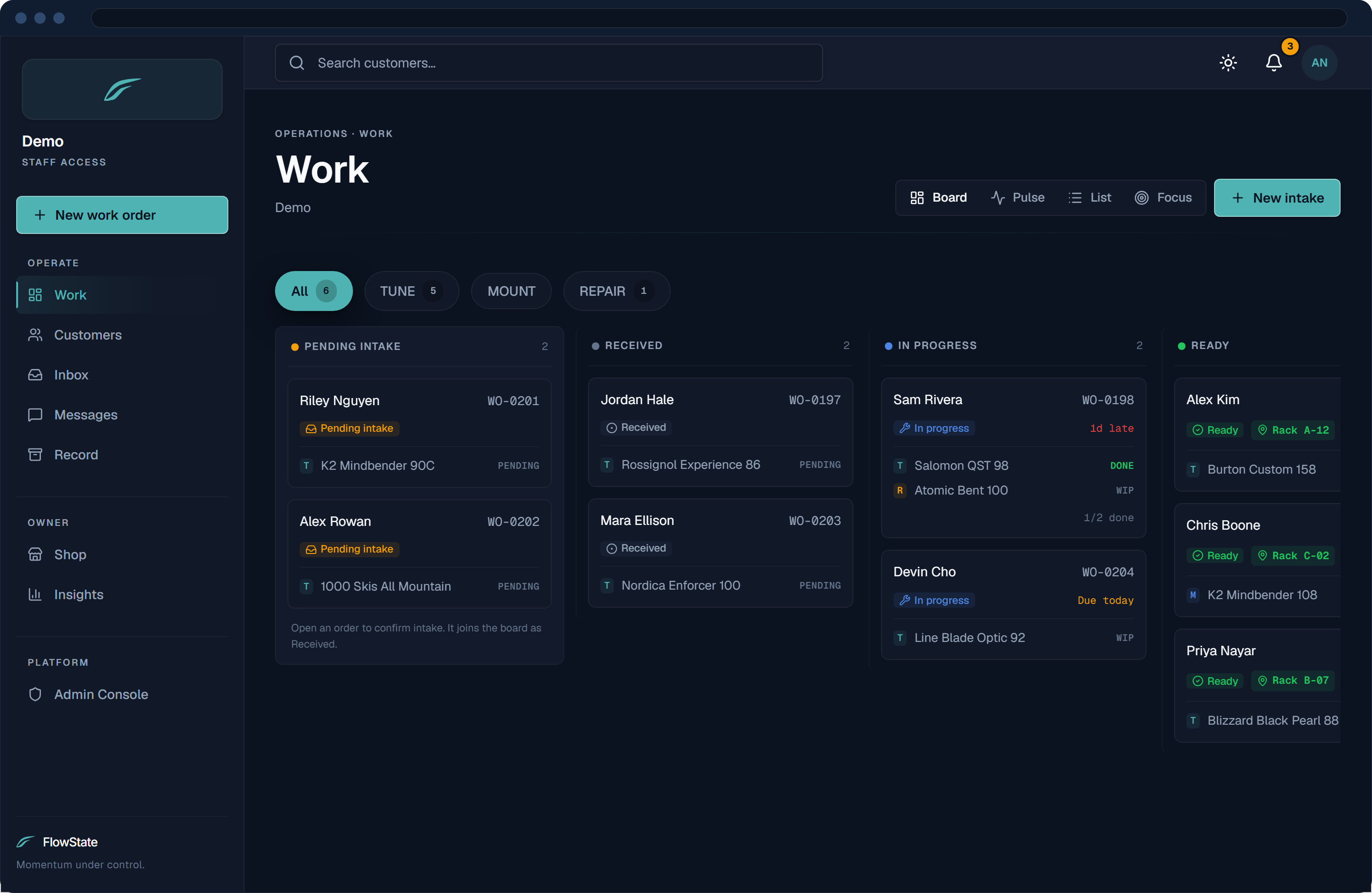
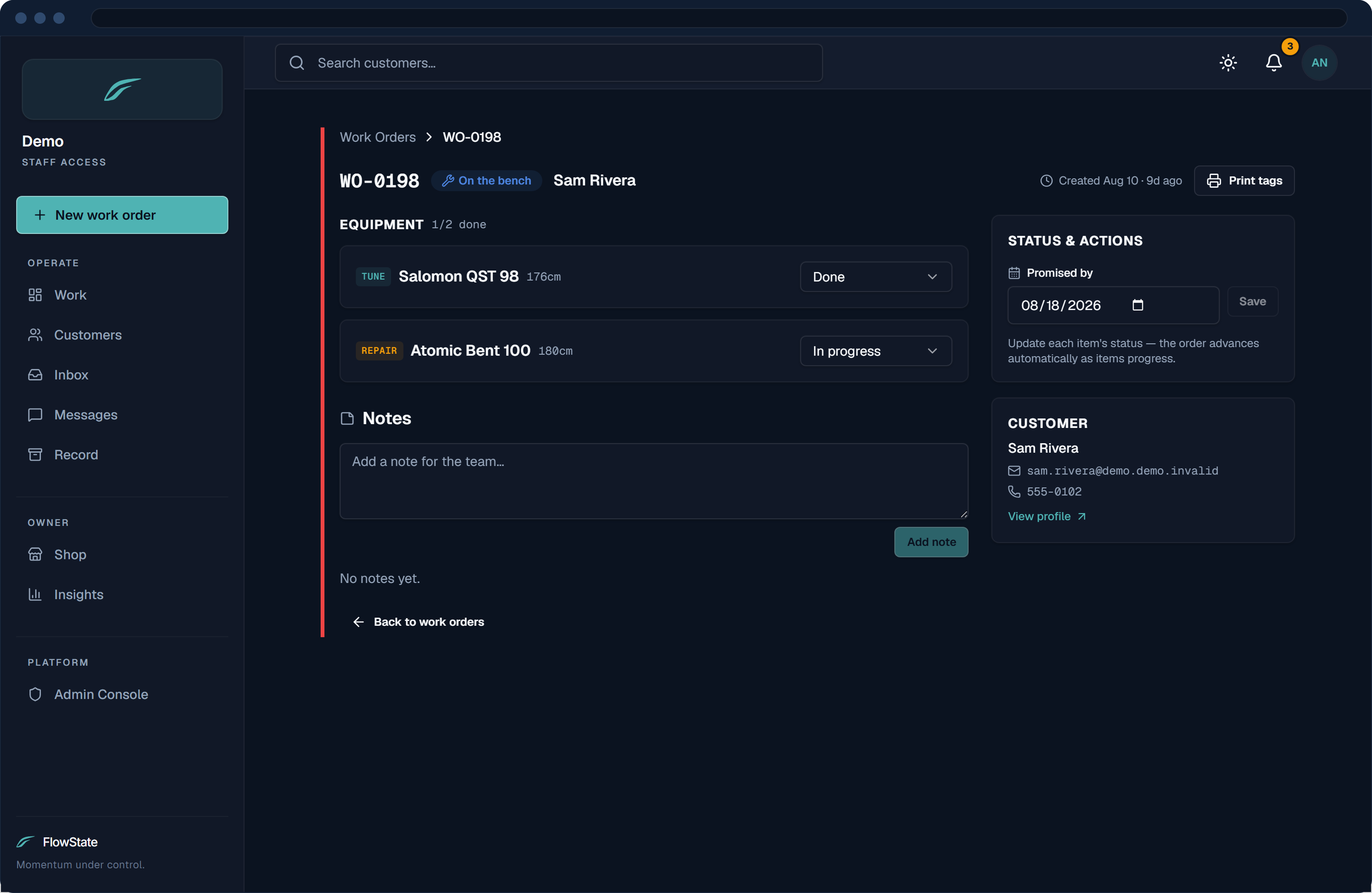
Every work order lives on one board, from received to ready. Advance each pair item by item — the status moves as the work does. The front counter and the back bench read the same truth.
Your shop runs the line. — short clip
Staff Service Queue board — live work orders across lanes: awaiting service, in progress, ready, and customer notified.
Every live work order on one board — from awaiting service to ready for pickup.
Work-order detail — a tune on Armada skis advancing item by item through the queue.
Each item carries its own status. The order advances as the work does — nothing to lose.
04 · Pickup

Done means they know.

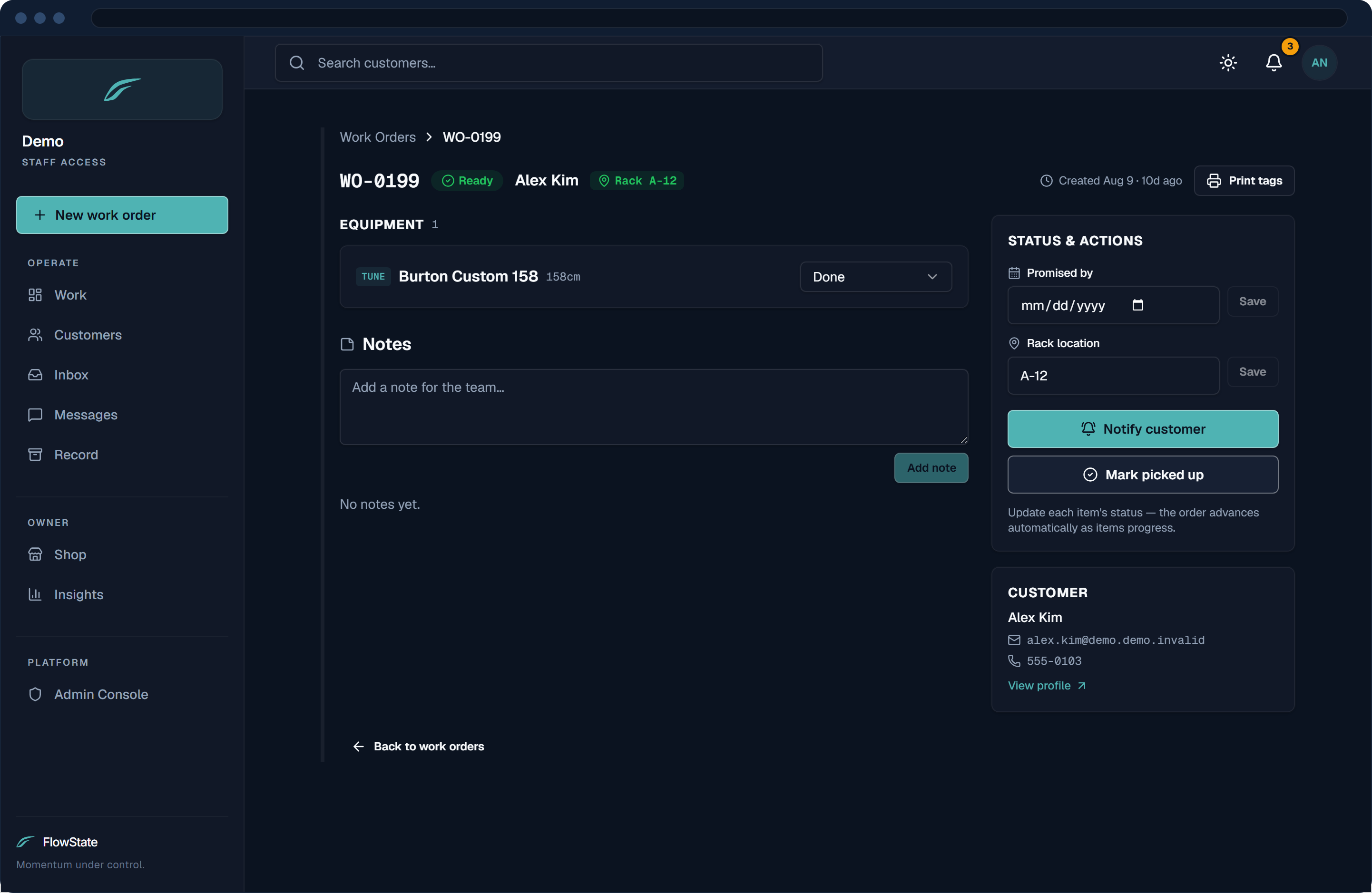
When the last item is done and racked, the customer gets a clean note on its own: what was done, which gear, and where to pick it up. There’s no button to remember.
Done means they know. — short clip
A work order marked Customer notified after its last item was finished.
Finishing the last item sends the ready notice and marks the order Customer notified.
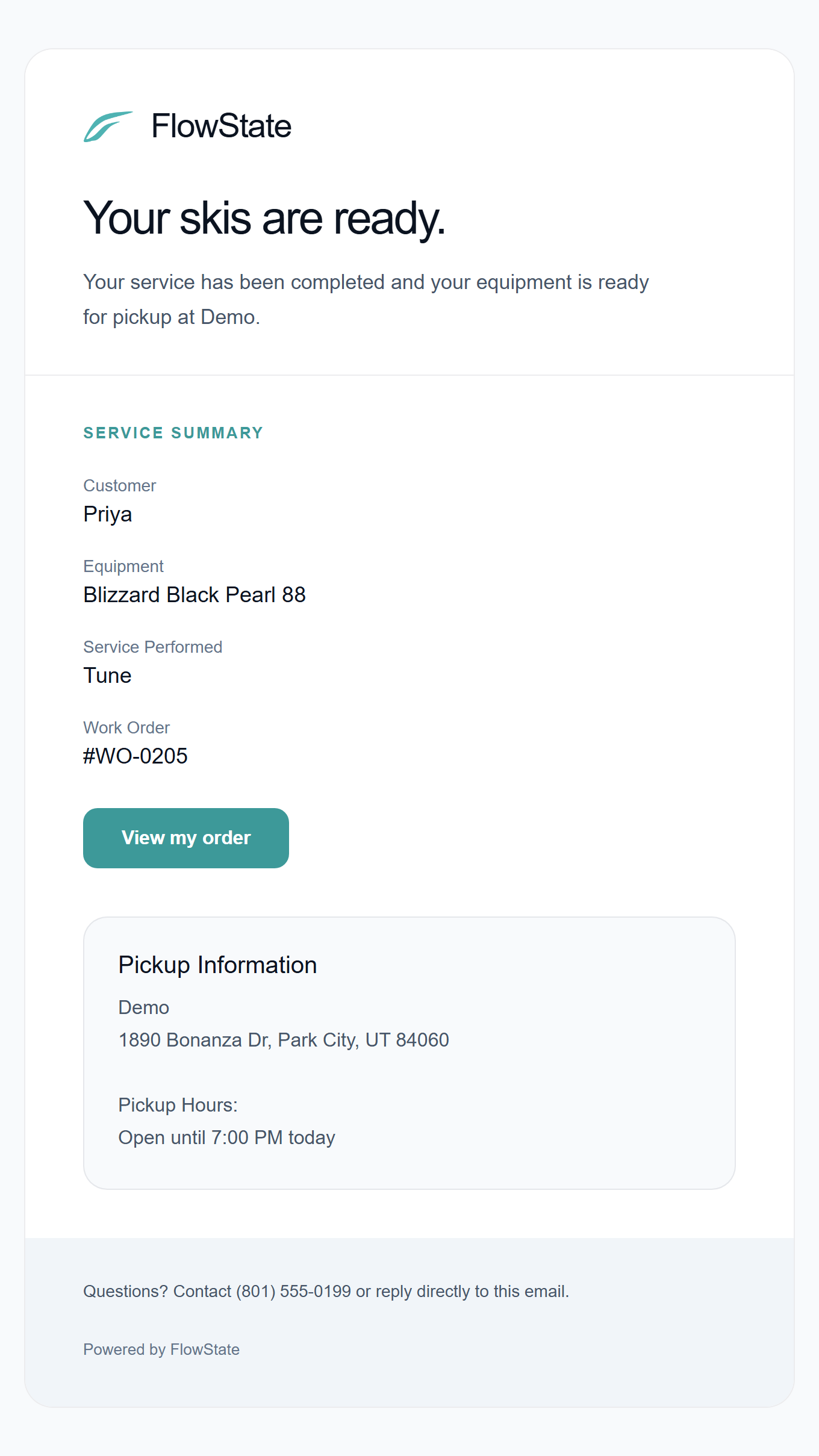
Completion email to the customer — “Your skis are ready” with a service summary and pickup details.
“Your skis are ready” — emailed with a service summary and pickup details.

One current, intake to pickup.

Give every pair one line from drop-off to pickup, and a record that stays.

We use privacy-friendly analytics to understand how the site is used, including anonymous session recording. You can opt out anytime.